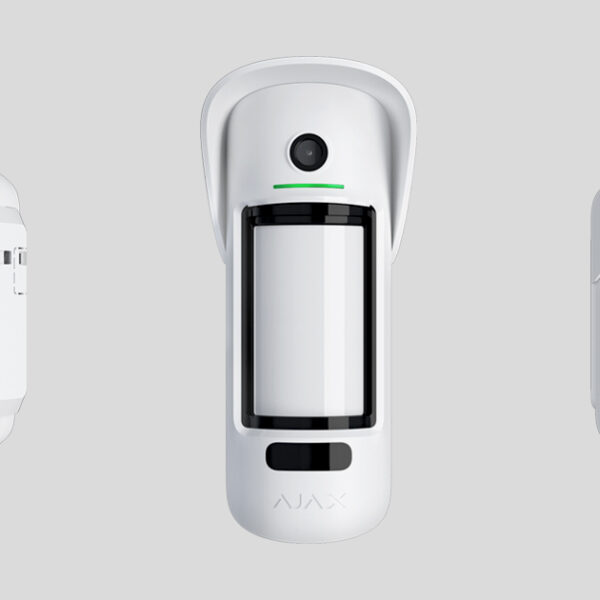
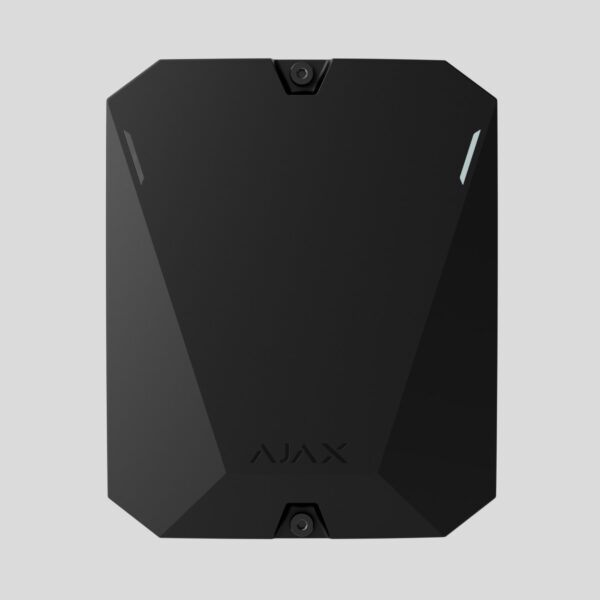
A hub is required for the detector to operate.


Ajax MotionCam
R2490
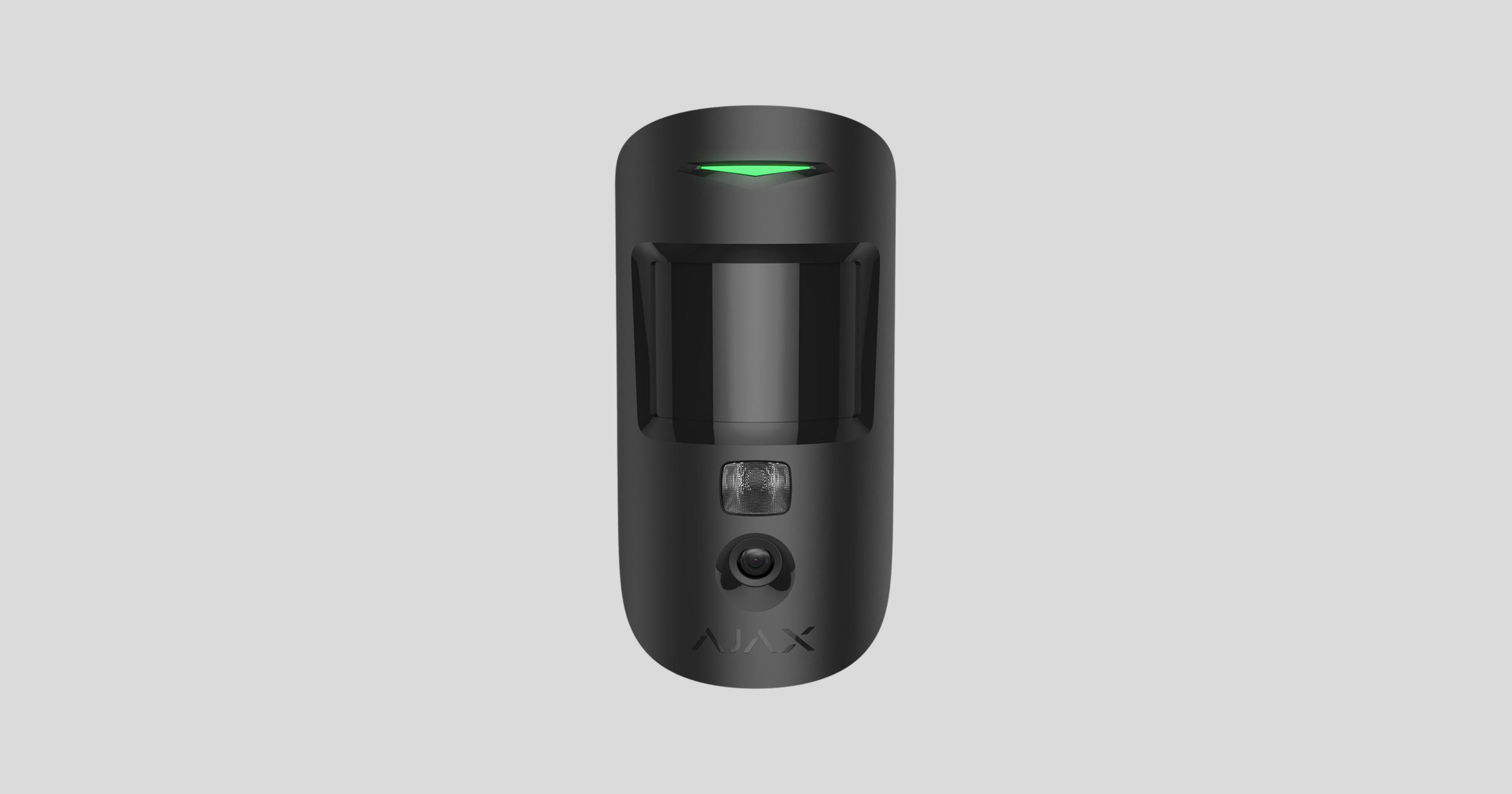
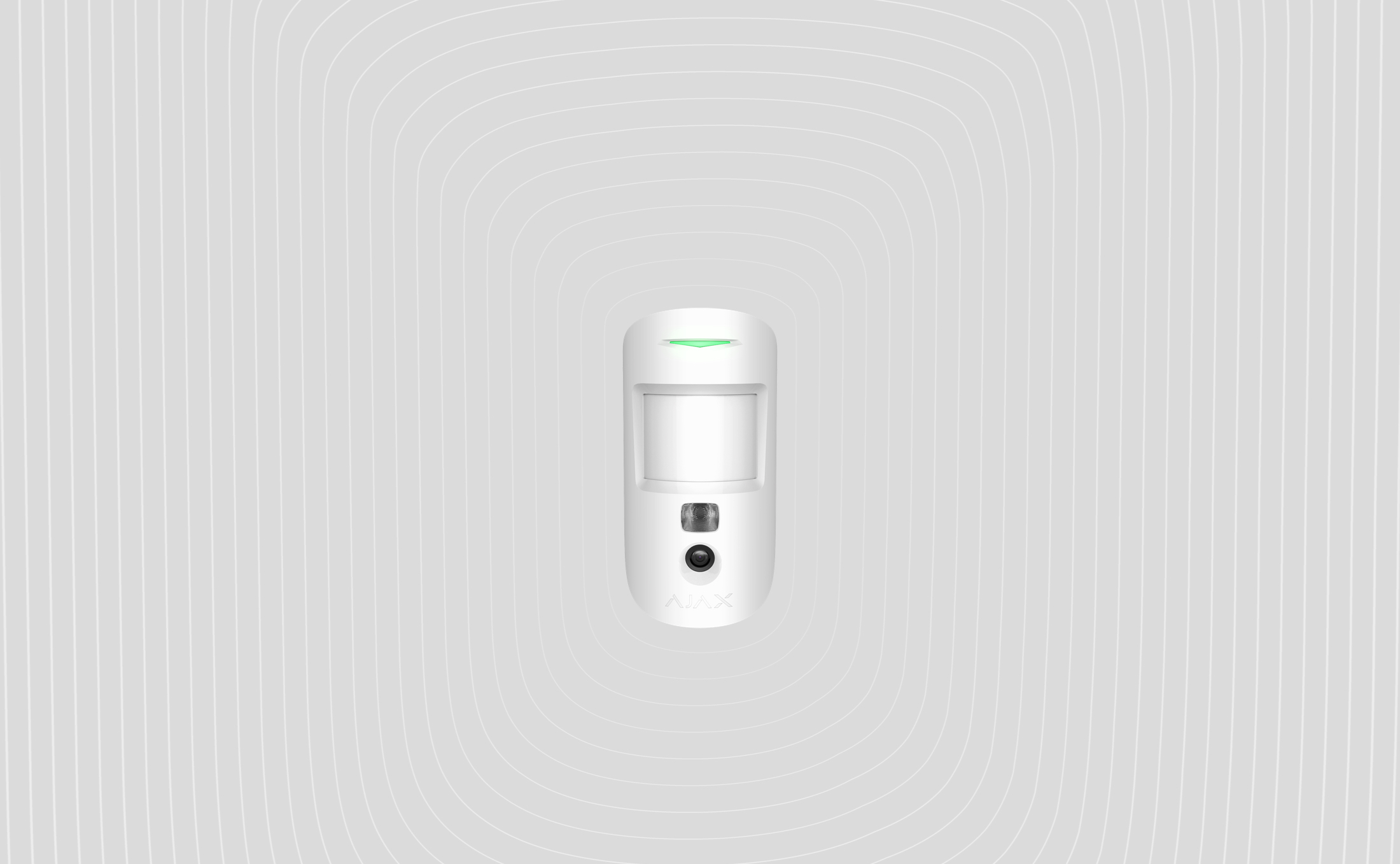
MotionCam Jeweller is a wireless motion detector that supports photo verification. Intended for indoor installation. It can recognize movement at a distance of up to 12 meters. Ignores pets when installed and configured correctly.
Description
MotionCam Jeweller is a wireless motion detector that supports photo verification. Intended for indoor installation. It can recognize movement at a distance of up to 12 meters. Ignores pets when installed and configured correctly.

MotionCam works as part of the Ajax system, communicating with the hub over two secure radio protocols: the detector uses Jeweller to transmit alarms and events and Wings to transmit photos. The hub communication range is up to 1,700 meters without obstacles.
Operating principle
MotionCam Jeweller is a wireless motion detector supporting photo verification. It detects motion with a build-in infrared sensor by capturing moving objects with a temperature close to that of the human body. After motion is detected, the built-in camera takes a series of photos, which allows you to dynamically assess what is happening at the site, saving users from unnecessary anxiety, and security companies from false calls of patrol.
As soon as an armed detector identifies motion, it instantly sends an alarm to the hub, which activates the sirens connected to the system, triggers scenarios, and notifies users and the security company. All MotionCam alerts and events are recorded in the notification feed of the Ajax app.
Users know exactly where motion is detected. The notifications contain the name of the hub (the name of the secured facility), the name of the device, and the virtual room to which the detector is assigned.

The detector doesn’t switch to the armed mode instantly. The switching time depends on two factors: the exit delay (detector settings, Delay When Leaving/Entering) and the hub–detector ping interval (hub settings, Jeweller or Jeweller/Fibra).
In the first case, the delay is set by an administrator or a PRO user with system configuration rights. In the second case, the delay occurs because the hub takes one ping interval to notify the detector about the security mode changing.
Photo verification
The detector alarms in the Ajax apps are accompanied by photos or an animated series, depending on the selected viewing mode. The detector takes a photo only when armed.
A version of the detector that supports Photo on Demand and Photos by Scenarios is also available. In addition to photo by alarm, this detector can take photos on user’s demand as well as photos by alarm of other Ajax detectors and devices.
The built-in camera of the detector can take from 1 to 5 photos with a resolution of 160 × 120 and 320 × 240 pixels, as well as up to 3 photos with a resolution of 640 × 480 pixels.
To view the photos, click on the MotionCam alarm notification in the events feed. Photos are available to all users with access to the events feed.
A series of photos are played back in the application as animation. It helps to evaluate the unfolding of the incident over time. You can also view all the photos individually by clicking on the icon at the bottom of the screen.
The detector has infrared backlight for shooting in the dark, which activates when there is insufficient light. Under such conditions, MotionCam takes black-and-white photos.
Photo verification can be saved as video or images by clicking the download icon.