DomeCam Mini has an IP65 protection class, making it suitable for outdoor installation. Its robust metal enclosure protects the device against sabotage.
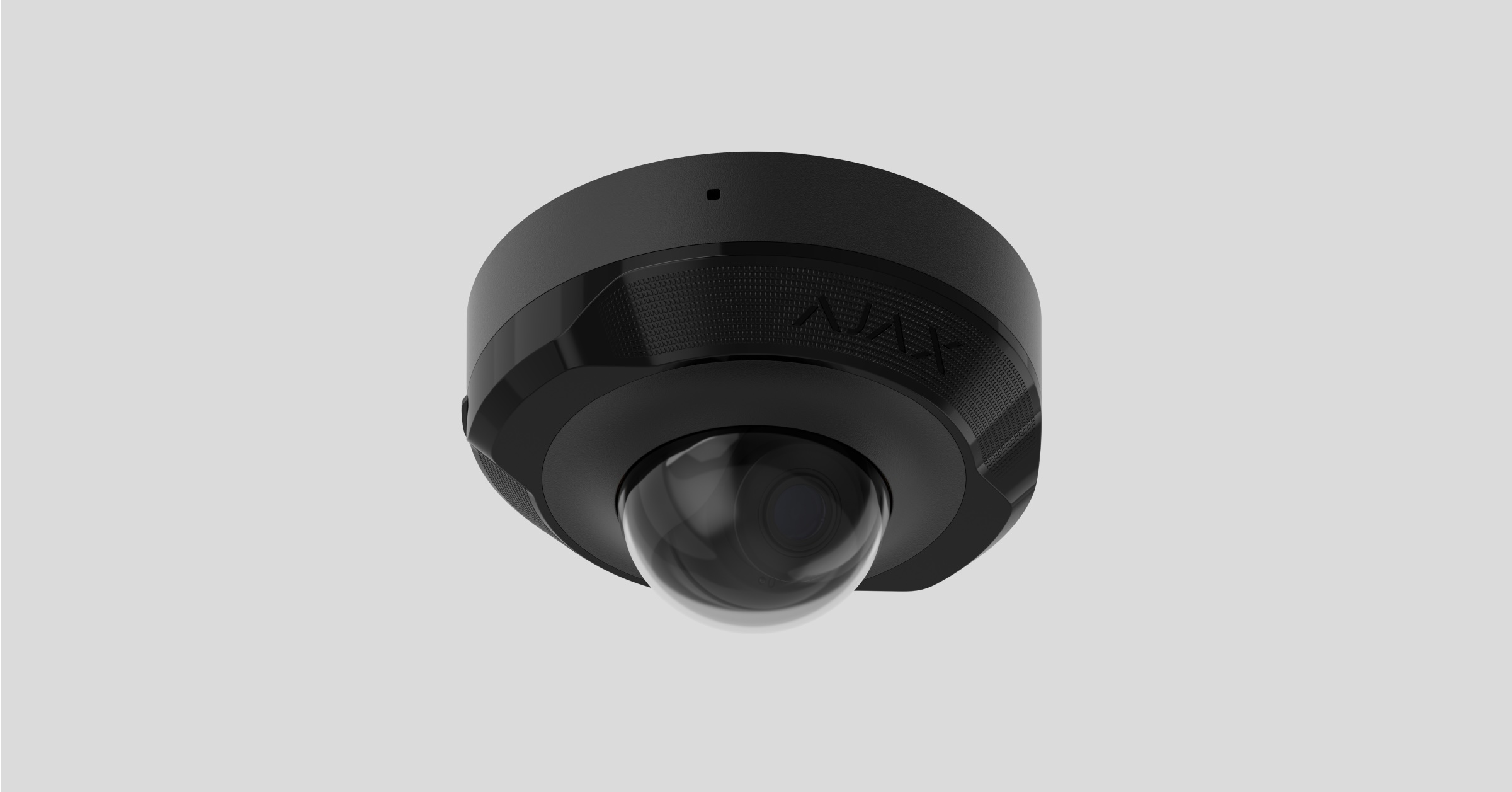
Ajax DomeCam Mini
R3330
DomeCam Mini is an IP camera with smart infrared (IR) backlight and an object recognition function. The user can view archived and live videos in the Ajax apps. To store the captured data, install a microSD card or connect the camera to NVR with an installed hard disk.
Out of stock
Description
DomeCam Mini is an IP camera with smart infrared (IR) backlight and an object recognition function. The user can view archived and live videos in the Ajax apps. To store the captured data, install a microSD card or connect the camera to NVR with an installed hard disk.
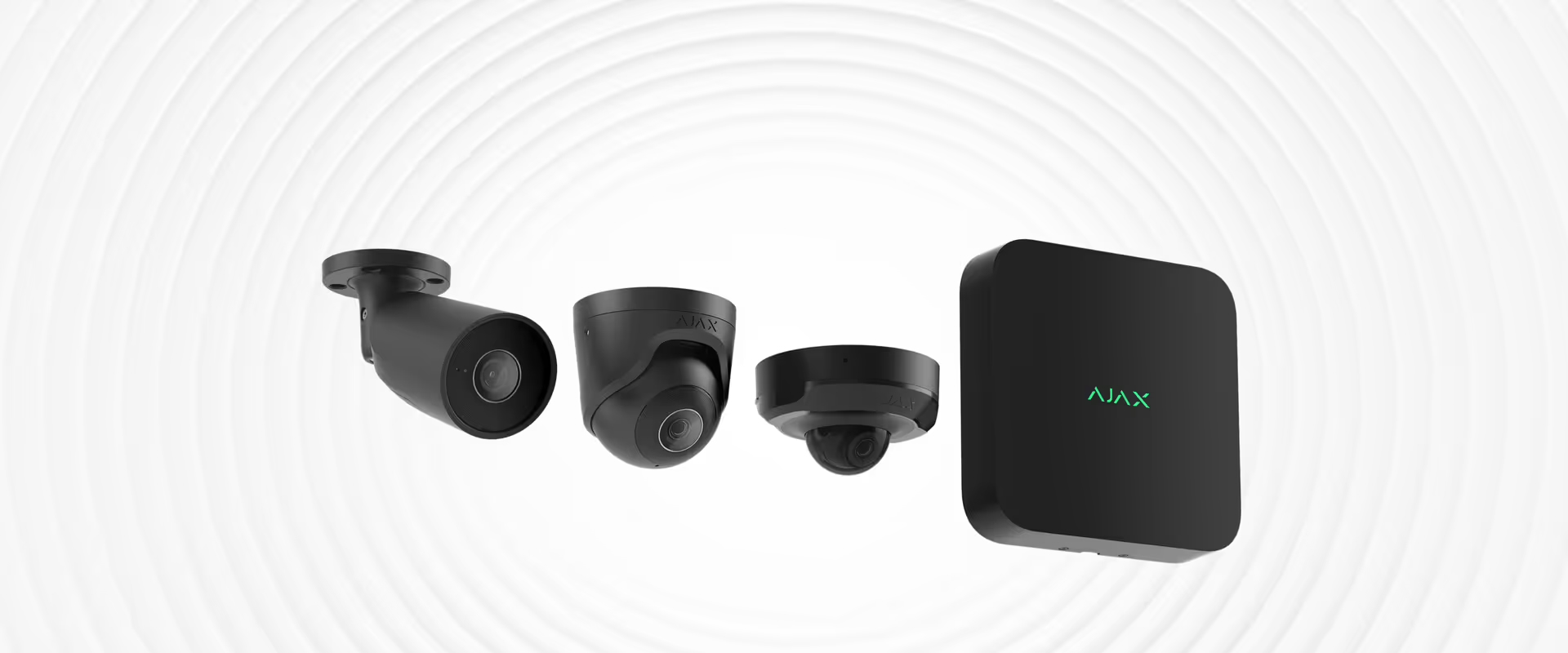
The camera connects to the network via Ethernet, using the appropriate connector. A hub is only required for adding DomeCam Mini to the Ajax system.
The camera is available in several versions:
- DomeCam Mini (5 Mp/2.8 mm);
- DomeCam Mini (5 Mp/4 mm);
- DomeCam Mini (8 Mp/2.8 mm);
- DomeCam Mini (8 Mp/4 mm).
Operating principle
DomeCam Mini is an IP camera that uses artificial intelligence (AI) for object recognition. Its algorithms can identify moving objects, distinguishing between humans, animals, or vehicles.
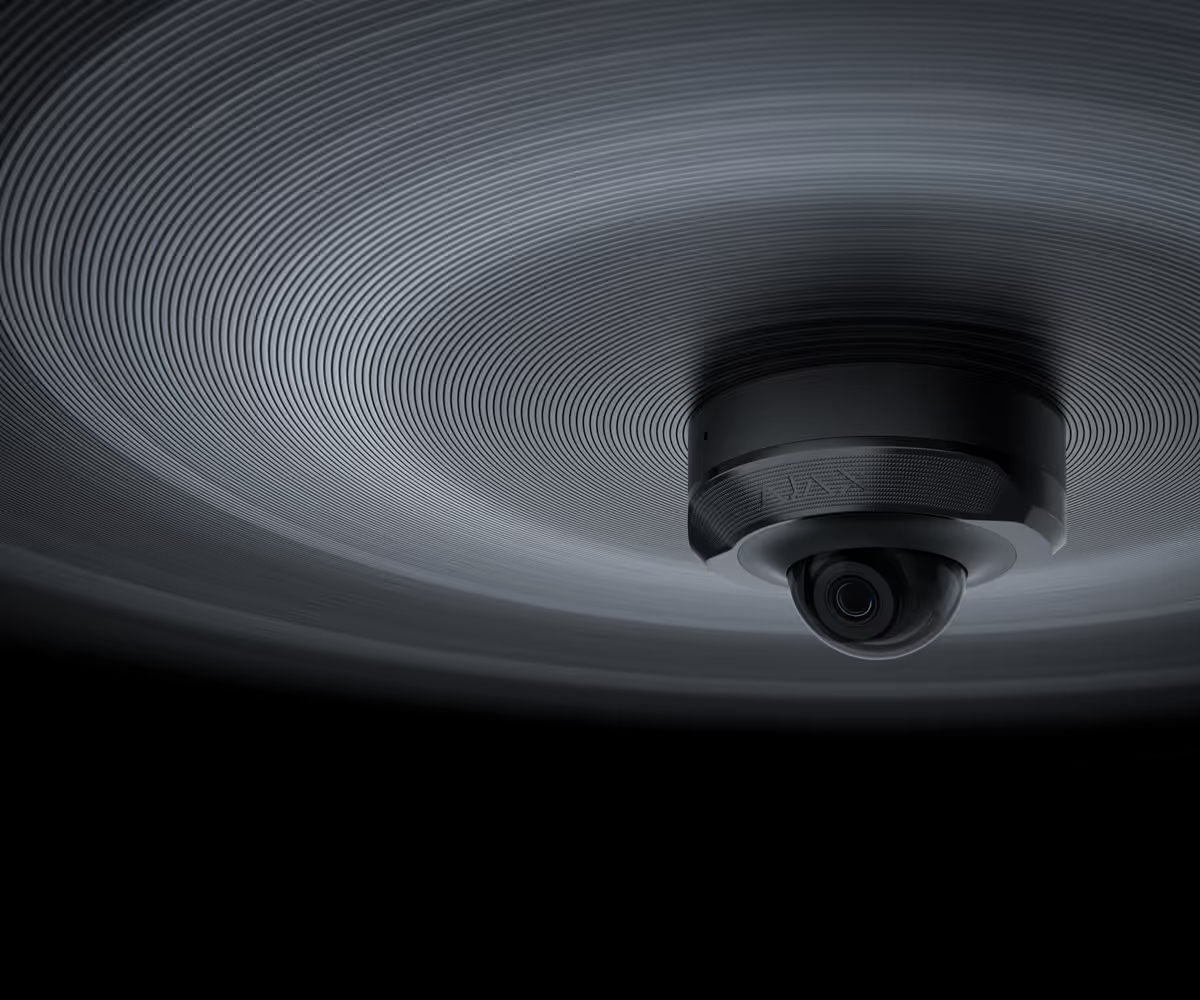
The device features a smart IR backlight, ensuring the capture of high-quality images even in low-light conditions. The camera automatically adjusts the backlight intensity in real time to prevent overexposure, enabling clear visibility of objects that are either far away or too close to the camera in low-light conditions.

You can install a microSD card with a memory capacity of up to 256 GB (not included in the complete set of the camera). Additionally, the device can operate without a memory card or via NVR.
DomeCam Mini enables you to:
- Watch video in real-time with the ability to zoom in for a closer look.
- Access archived videos, navigating through them based on recording chronology and calendar (this feature is available if a microSD memory card is installed in the camera, or it is connected to NVR with an installed hard disk).
- Configure motion detection zones and adjust sensitivity level.
- View the Videowall that combines images from all connected cameras.
- Create video scenarios that send a short video from the selected camera to the Ajax app when the security detector is triggered.